
Recording Now Available Instant Access • Watch Anytime Color Grading Deep Dive in Capture One
Master professional color grading from scratch. Build cinematic looks with Color Balance, Curves, and Layers. Unlock AI-powered masking and Match Look for faster edits. 3 hours of hands-on techniques you'll use on every shoot.
Lifetime Access: Stream or Download
What You'll Learn
Specific techniques you can use in your next editing session

Classic Color Grading Techniques
- Master color perception: Learn why your eyes deceive you during editing, how to use Lab readouts as objective references, and the preparation that must happen before any color grading begins.
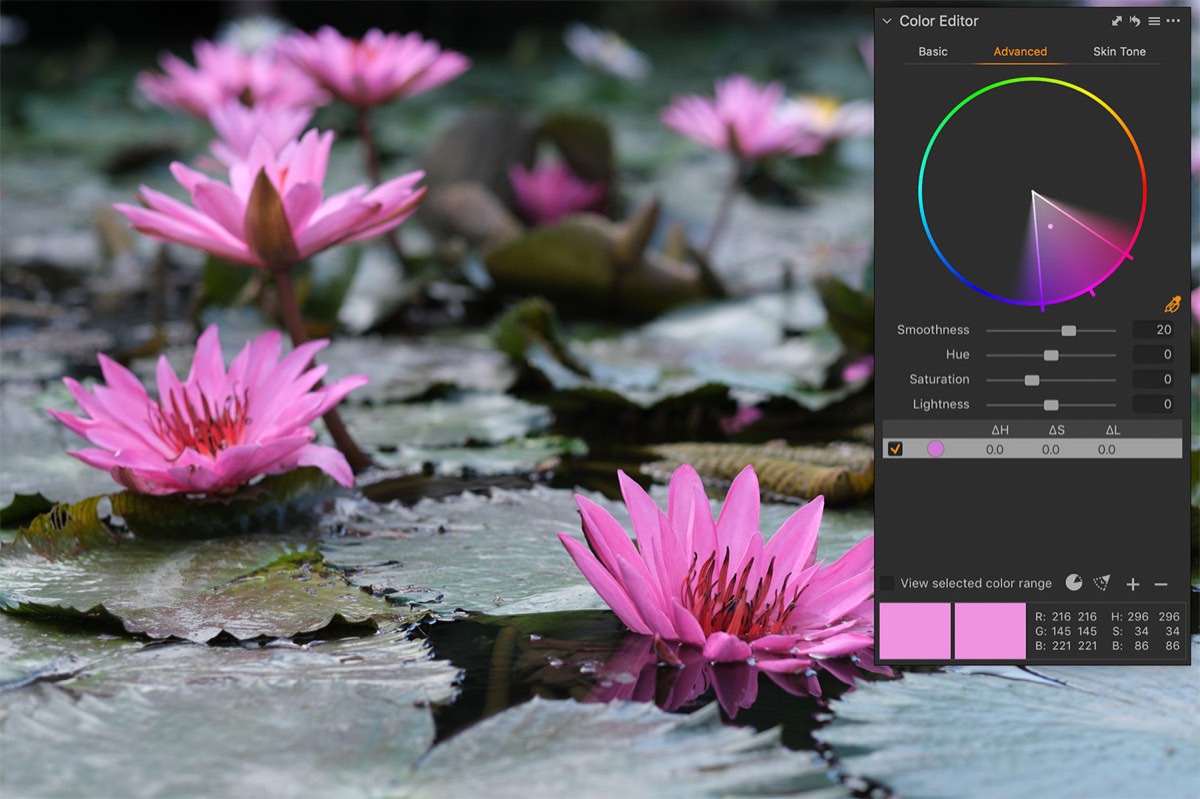
- Color Editor mastery: Pick and adjust any color with a single gesture. Make colors pop the right way, create complete color transformations, and achieve film-like desaturation using techniques unique to Capture One.
- Classical color contrasts: Apply the same principles painters have used for centuries — cold-warm separation, light-dark drama, saturation contrast, and pure color contrast to guide emotions and direct attention.

Color Grading in Layers
- Layer-based workflow: Structure your edits for complete flexibility. Every adjustment can be reduced, erased, compared, or copied to other images. Never lose control of an edit again.
- Color Balance like a colorist: Use Master Wheel and 3-Way controls together for cinematic looks. Learn the saturation-first technique and combine Color Balance with Color Editor for results impossible with either alone.
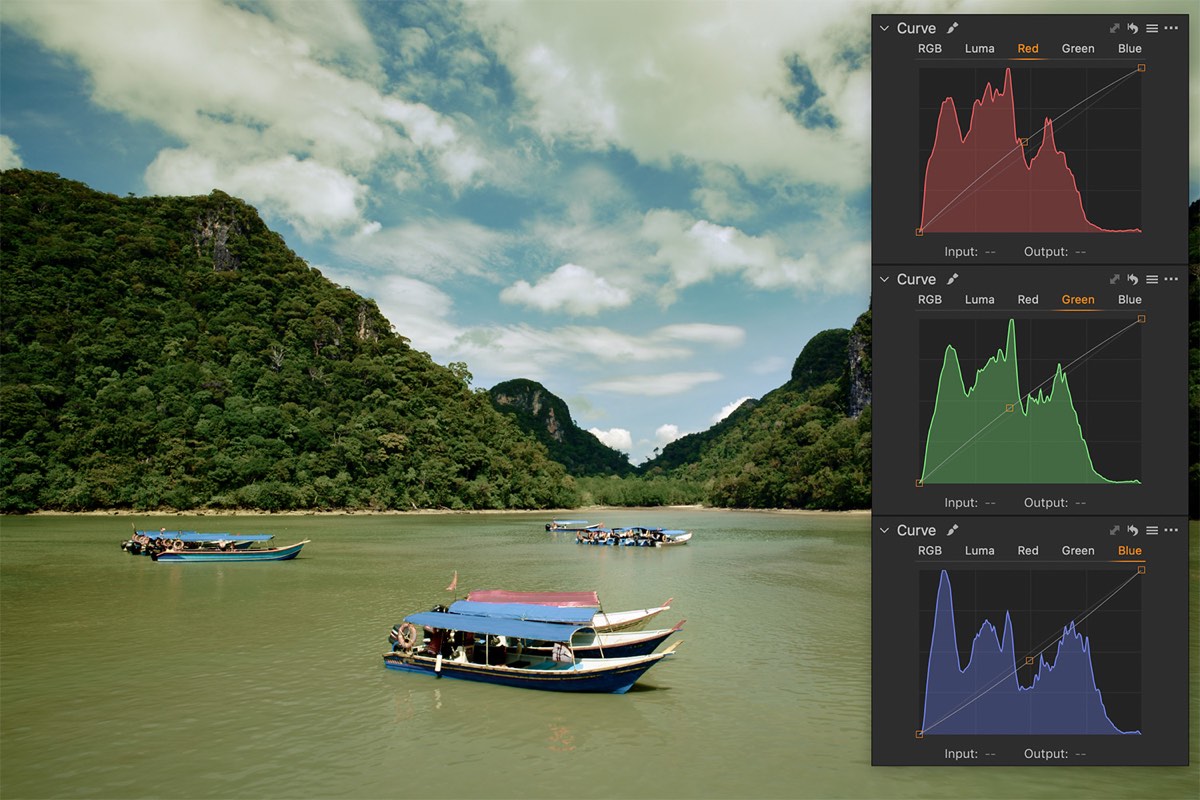
- Curves for precise control: Master RGB channels with a simple cheat sheet. Create faded film looks, use Luma Curves to protect skin tones, and combine Curves with Luma Range for surgical brightness-based targeting.
AI Tools for Color Grading
- Match Look's full potential: Use classic paintings, film stills, and AI-generated references as color sources. Control impact and tool selection for clean results. Save and reuse looks as presets and styles.
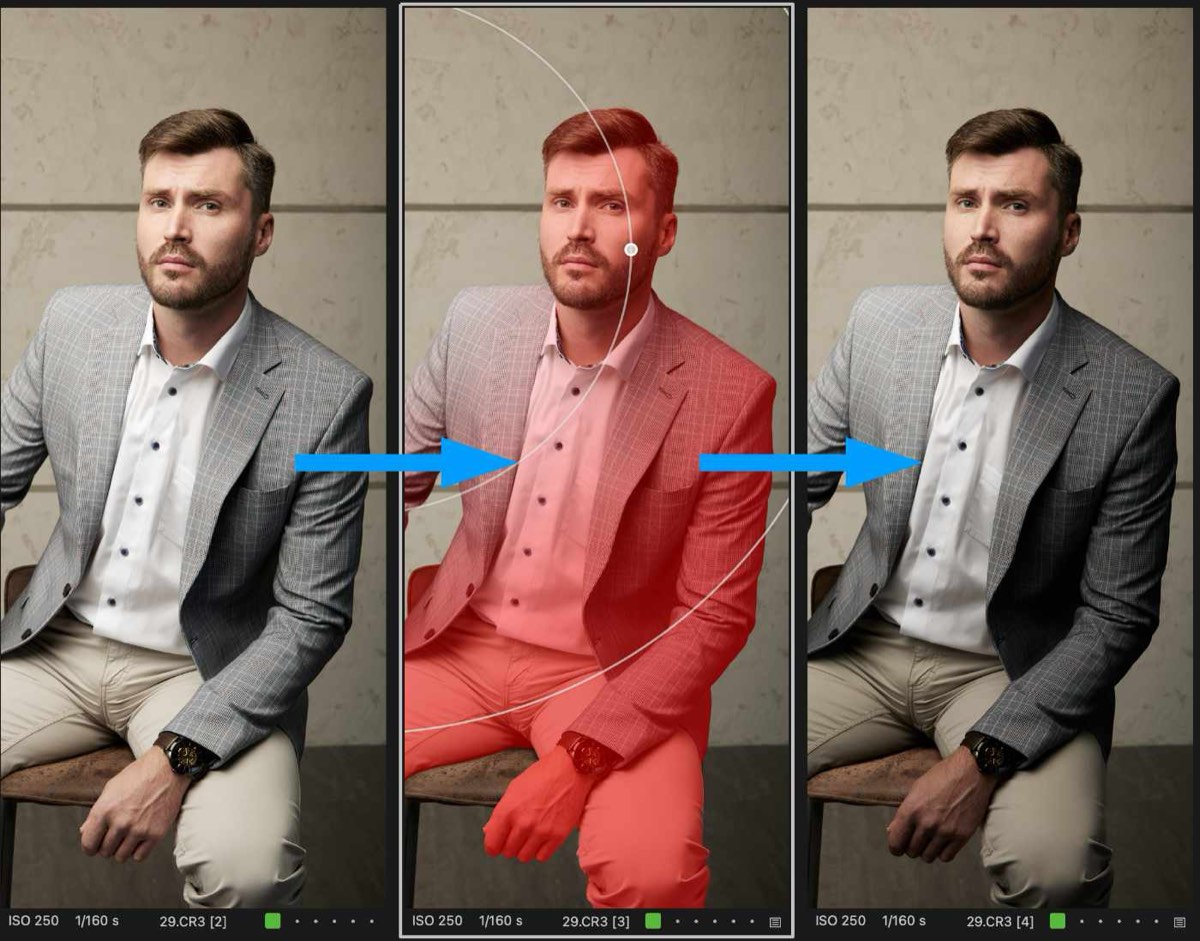
- AI masking for portraits: One-click subject/background separation. Correct skin tones, enhance eyes, recover or amplify facial shadows, and create two different lip volume techniques — all with automatic masks that adapt to each image.
- Batch processing workflows: Build your layers once, copy them, and let Capture One create unique masks for hundreds of images automatically. Balance automation with manual creative control.
Bonus Materials
Everything included with your purchase
Layer Styles
Match Look Styles
Color Curve Styles
RAW Files
Course Curriculum

Classic Color Grading Techniques
- Color Perception Fundamentals: Why your eyes deceive you during editing. Using Lab readouts as your objective color reference. The saturation boost trick to reveal hidden colors.
- White Balance Mastery: Setting neutral white balance as the foundation. Understanding color temperature relationships. Using skin tone as your primary reference.
- Color Editor Deep Dive: Direct color adjustments with single gestures. Making colors pop without over-processing. Complete color transformation using Skin Tone uniformity.
- Color Balance Techniques: Cold-warm contrast for subject separation. Light-dark contrast for drama and focus. Saturation and pure color contrasts.

Color Grading in Layers
- Layer Workflow Architecture: The 5-layer starting structure for flexibility. Layer shortcuts that make editing effortless. Using opacity for precise adjustment control.
- Color Grading in Layers: Master Wheel + 3-Way combination for cinematic looks. The saturation-first technique for accurate toning. Radial gradients for natural light falloff effects.
- Curves for Color Control: R-G-B channel manipulation cheat sheet. Luma curves for contrast without color shifts. The faded film look (raised black point).
- AI Masking Integration: One-click subject/background separation. Combining AI masks with manual adjustments. Building flexible layer structures.

AI Tools for Color Grading
- Match Look Mastery: Using artwork, film stills, and AI-generated images as references. Impact vs. opacity — when to use each. Controlling tool selection for clean results.
- Batch Processing Workflows: Copying layers that auto-adapt to each photo. Smart Adjustments + AI masks for hundreds of images. Balancing automation with creative control.
- Saving and Reusing Looks: Converting Match Look results into reusable styles and presets. Building a library of consistent looks for your projects.

Alexander Svet
Alexander Svet is a professional photographer with over 18 years of Capture One experience, dating back to version 3. He's a Phase One Certified Professional, Capture One trainer, and founder of AlexOnRAW — a blog with over 40,000 followers and newsletter subscribers.
Color grading is central to his work. The techniques in this course come from years of real-world experience processing thousands of images for weddings and commercial projects.
Capture One Photographers About Alex's Courses
Get the Course
Save $30 on the complete course
- 3 hours of professional training
- Instant access after purchase
- Lifetime access to recording
- All bonus materials included
- 35 Layer Styles + 25 Match Look Styles
- 7 Cheat Sheets + 26 RAW Files
Instant Access Includes
Frequently Asked Questions
Capture One 16.5 or later is recommended to follow along with all techniques, especially the AI features (Match Look, AI Masking). However, most classic color grading techniques work with earlier versions.
This course is designed for intermediate to advanced users who are familiar with Capture One basics. If you're brand new, I recommend getting comfortable with the interface first. However, if you're transitioning from Lightroom and understand editing concepts, you'll be able to follow along.
You have lifetime access. Once purchased, the recording is yours forever. Watch it as many times as you want, on any device, at your own pace.
26 RAW files are included with your purchase so you can follow along with the exact examples I use. You can also apply techniques to your own images while watching or afterward.
This is a structured, 3-hour deep dive that builds concepts progressively - not scattered tips. You'll learn the "why" behind techniques, not just the "how." Plus, you get comprehensive bonus materials and a complete workflow system you can apply immediately.
The recording is available for streaming through your account. All bonus materials (styles, presets, cheat sheets, and practice files) are downloadable immediately after purchase.
Yes! This is the complete, unedited recording from the live workshop. You get the full 3 hours of instruction, including all demonstrations and techniques covered during the live sessions.
Get the Course
3 hours of color grading techniques for Capture One. Get instant access now.
Get Instant Access - Save $30